
Bad Design Example
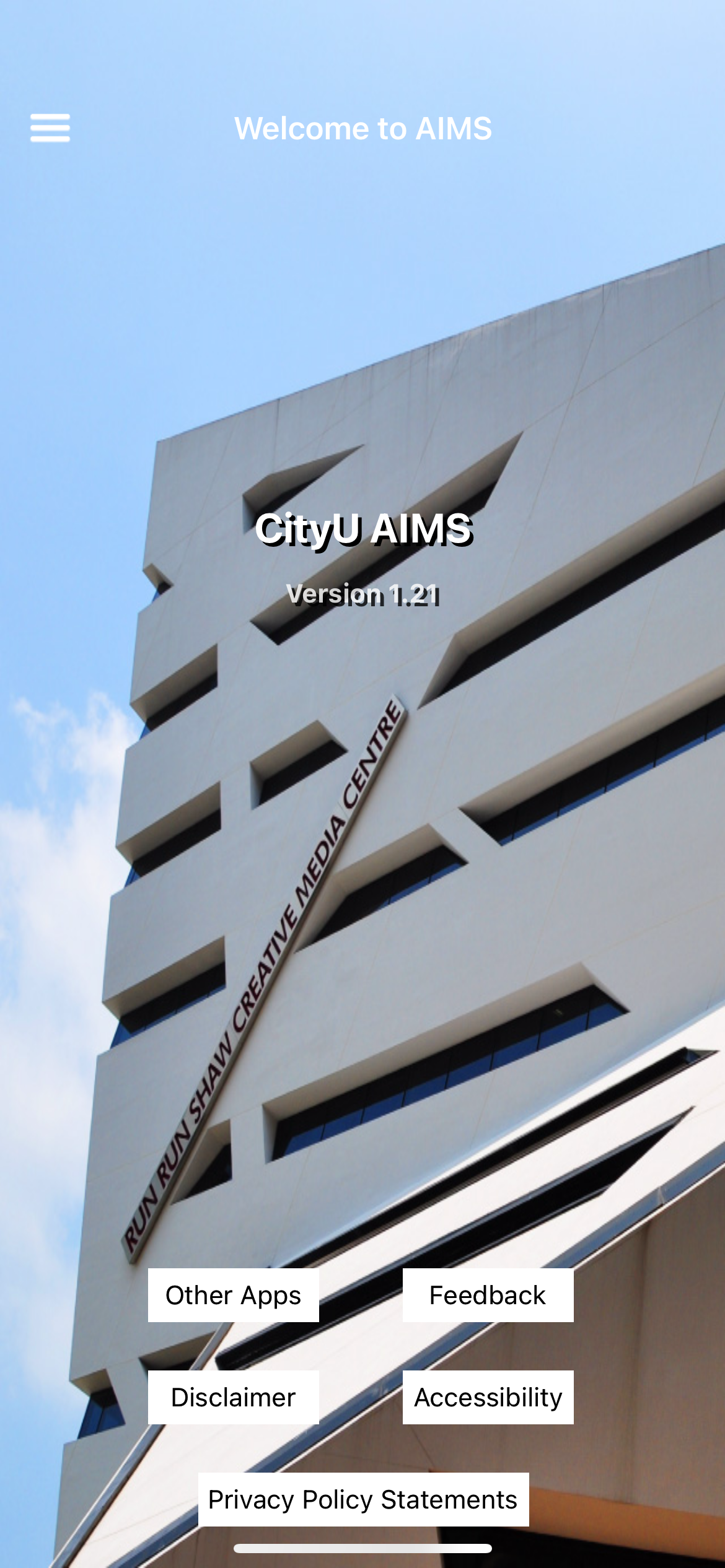 CityU AIMS App, a simple wrapper app of CityU AIMS website with limited features compared to the web version.
Visibility
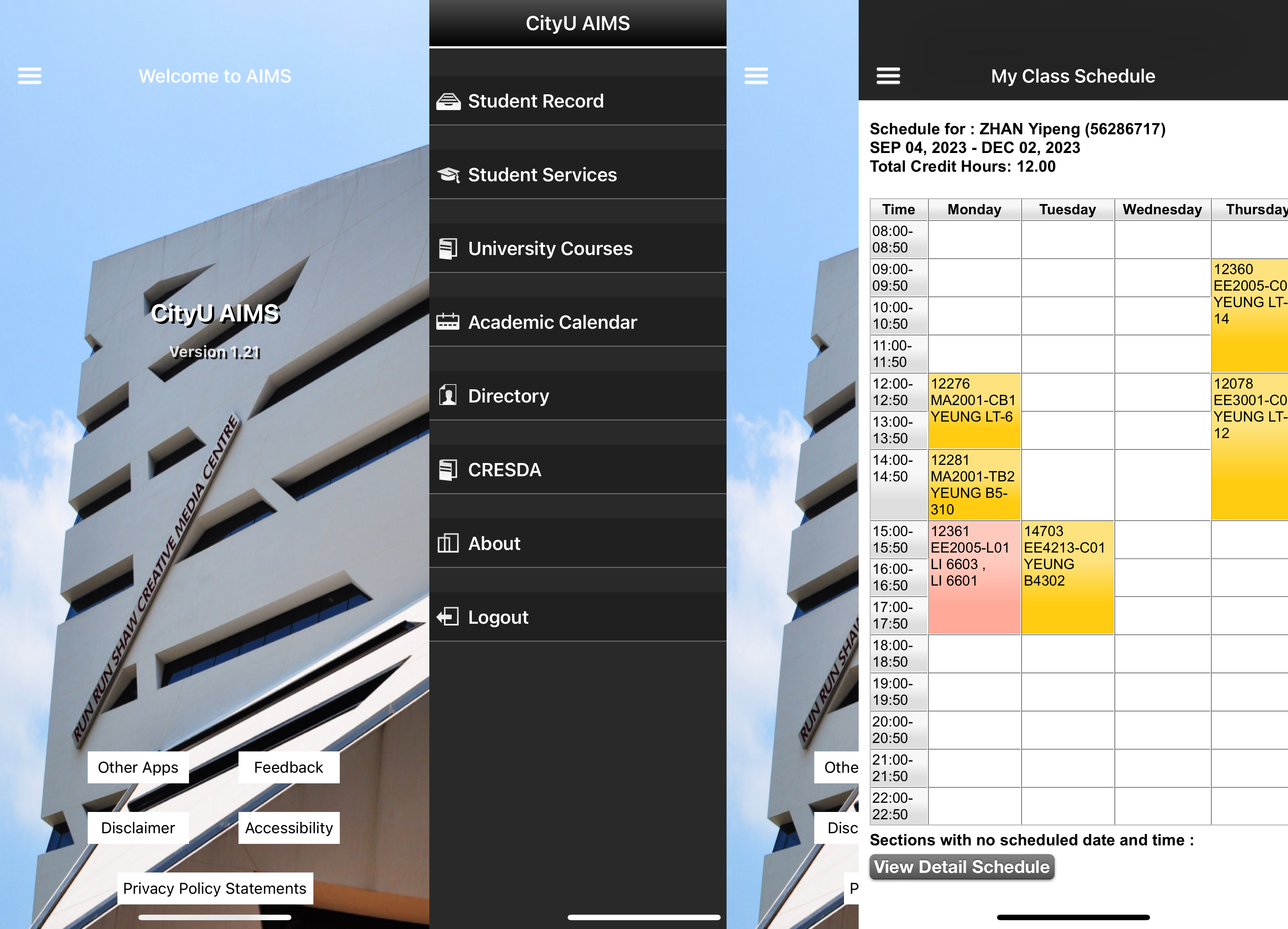 Old-style UI with all features embedded inside the menu. The home page has no actual features related to end users. The button with no radius and shadow looks very plain. Users must open the menu first, then they can see the features. Some page not fit the content.
Mapping
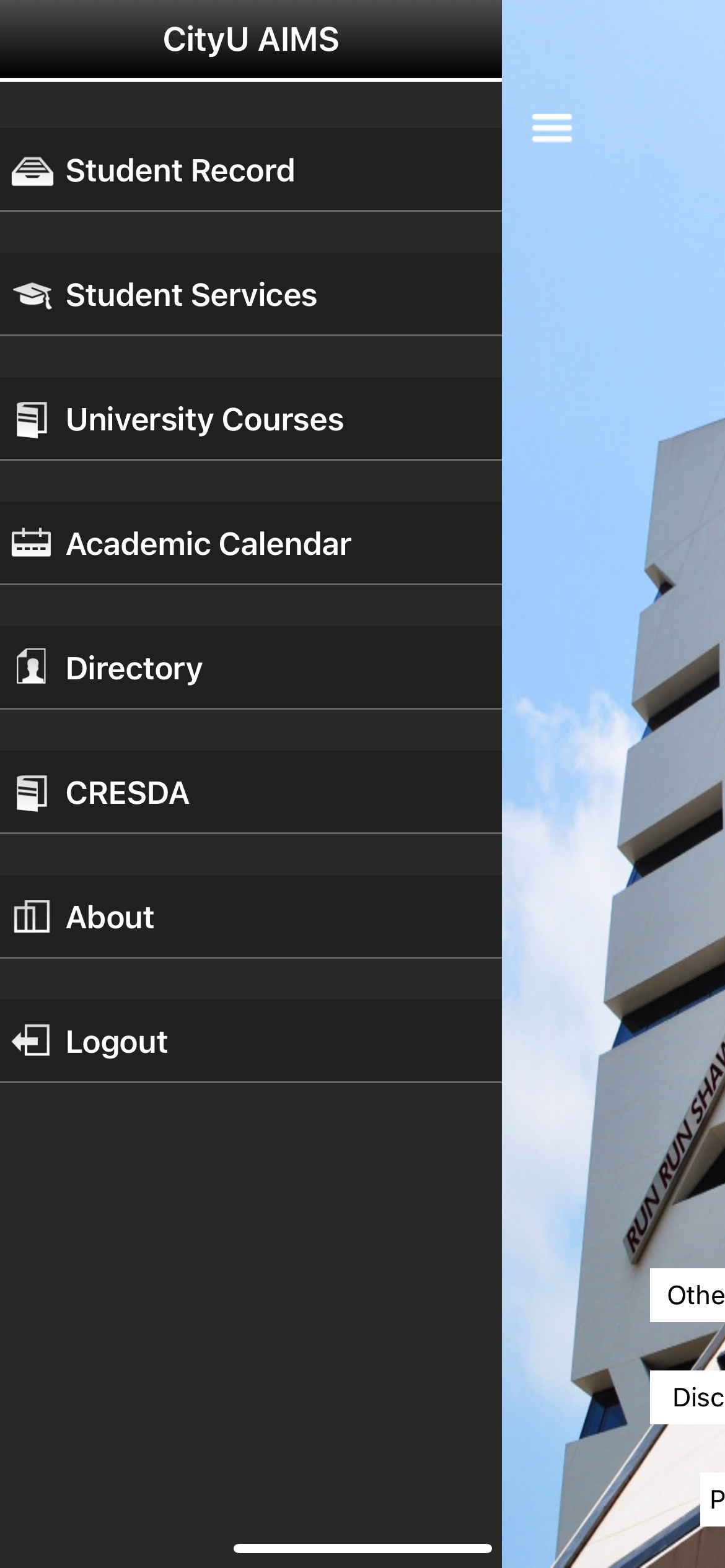 End users will find out the buttons on home page are nothing to do with their need, then they will open the menu from top-left of the screen and see all features.Constraints
The user cannot use any features before login in. Since most of the actions are related to the students. The server needs to identify the user first, then the services are available to be provided.
End users will find out the buttons on home page are nothing to do with their need, then they will open the menu from top-left of the screen and see all features.Constraints
The user cannot use any features before login in. Since most of the actions are related to the students. The server needs to identify the user first, then the services are available to be provided.
Affordance
Users can view their Class schedule, Examination Timetable, Grade Report, JobPlus Vacancies etc.
Constraints
The user cannot use any features before login in. Since most of the actions are related to the students. The server needs to identify the user first, then the services are available to be provided.
Feedback
It feels like a prototype has been pushed to production, the whole app should be revamped. The UI looks not good, and the features are limited, users will rather use the web interface since it will provide complete features. The login state will not persist in app. User need to login every time they use the app.
Suggestions
- Place actual features on the home page
- Use some open-source UI components library if have no resource to design and create.
- Persist User login state since the app only installed on the user’s belonging devices.
- Integrate complete features from web interface and extend it, make some app only feature.
Good Design Example
CityU Mobile is an official mobile app developed by the Central IT. Being one of the top-rated University apps in Hong Kong, CityU Mobile provides a convenient platform for staff, students and visitors to access important information about the University. Staff and students who log into the mobile app will be able to access more personalised information such as class schedule, examination schedule, library loan records and more. Highlighted features include: (i) Schedule allows you to check when and where to attend your classes; (ii) Room Booking allows you to check the availability of rooms, e.g. classrooms, meeting rooms and study rooms; (iii) Staff Directory with enhanced staff search functionalities for staff and students; and (iv) Places provides a list of points of interest in the university including canteens, library and printing area.
Visibility
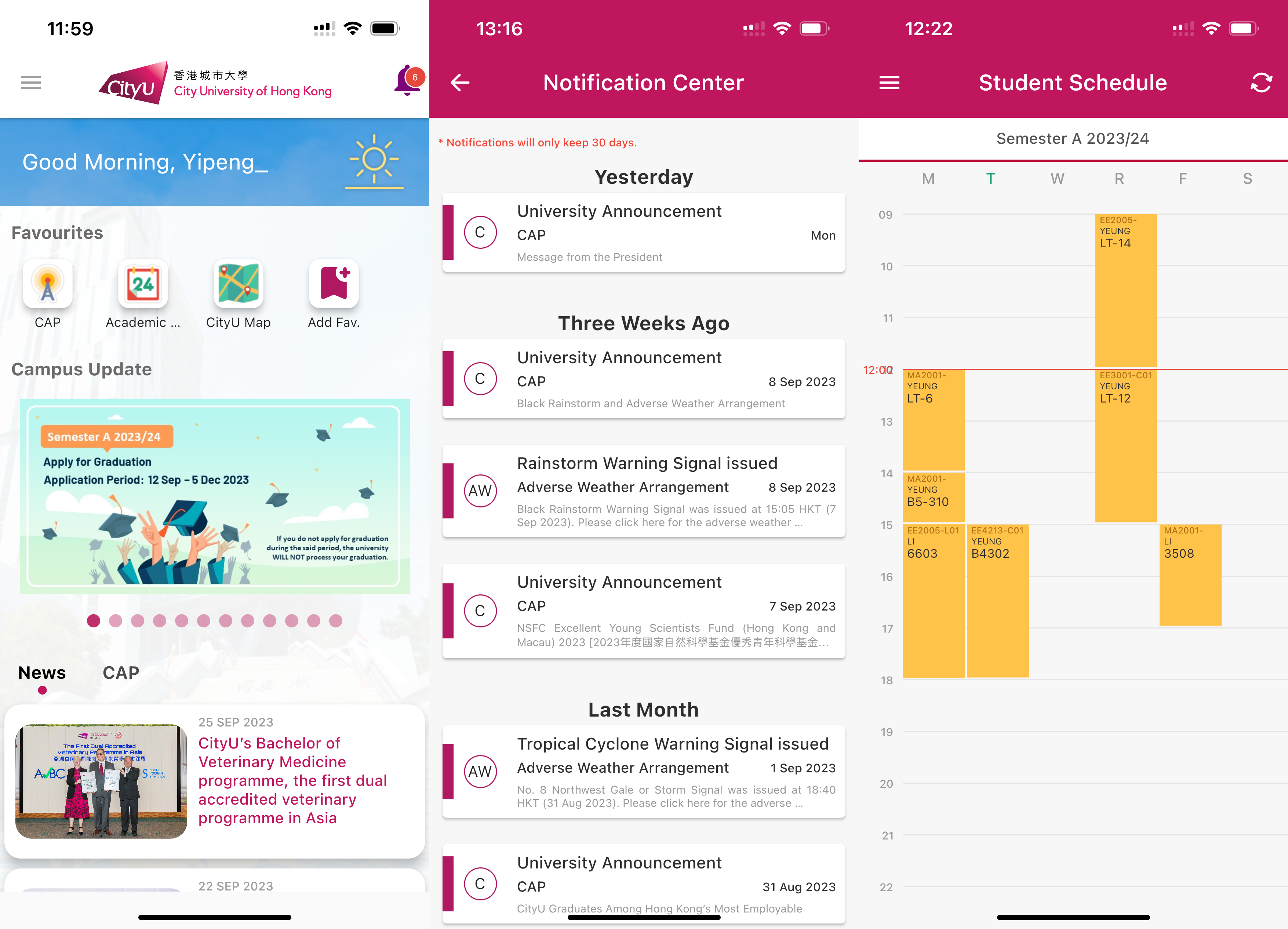 The home page contains greetings with animation, and user favorites features, other than that the campus update and some CityU news show up. The notification button stays top right screen. And menu button stays top left screen. The notification page contains all the notification, and there is a remark tell the user, it only keeps 30 days.
Mapping

All features can be found from side menu.
Affordance
Users can view their Class schedule, Examination Timetable, Grade Report etc. Also receiving notification from CityU and view the latest campus update and news relate to the CityU.
Constraints
Some features related to student need user to login first. Like class timetable, grade report.
Feedback
The UI looks good. It is easy to use, I can access my favorites’ features from the home page. And it can be edited to fit end users’ needs. I can view news and campus with login. There is a feature to check room availability, but not feature for room booking.
Suggestions
- Add room booking feature.